
Import and enrichment
Upload your list and PCVault fills in the rest.
Upload a Card Ladder export or any CSV and PCVault matches each card, then adds market values, recent sales, photos and grader slab scans. A progress bar shows each step, and a Details table shows what was found for every card.
Last reviewed
How it works
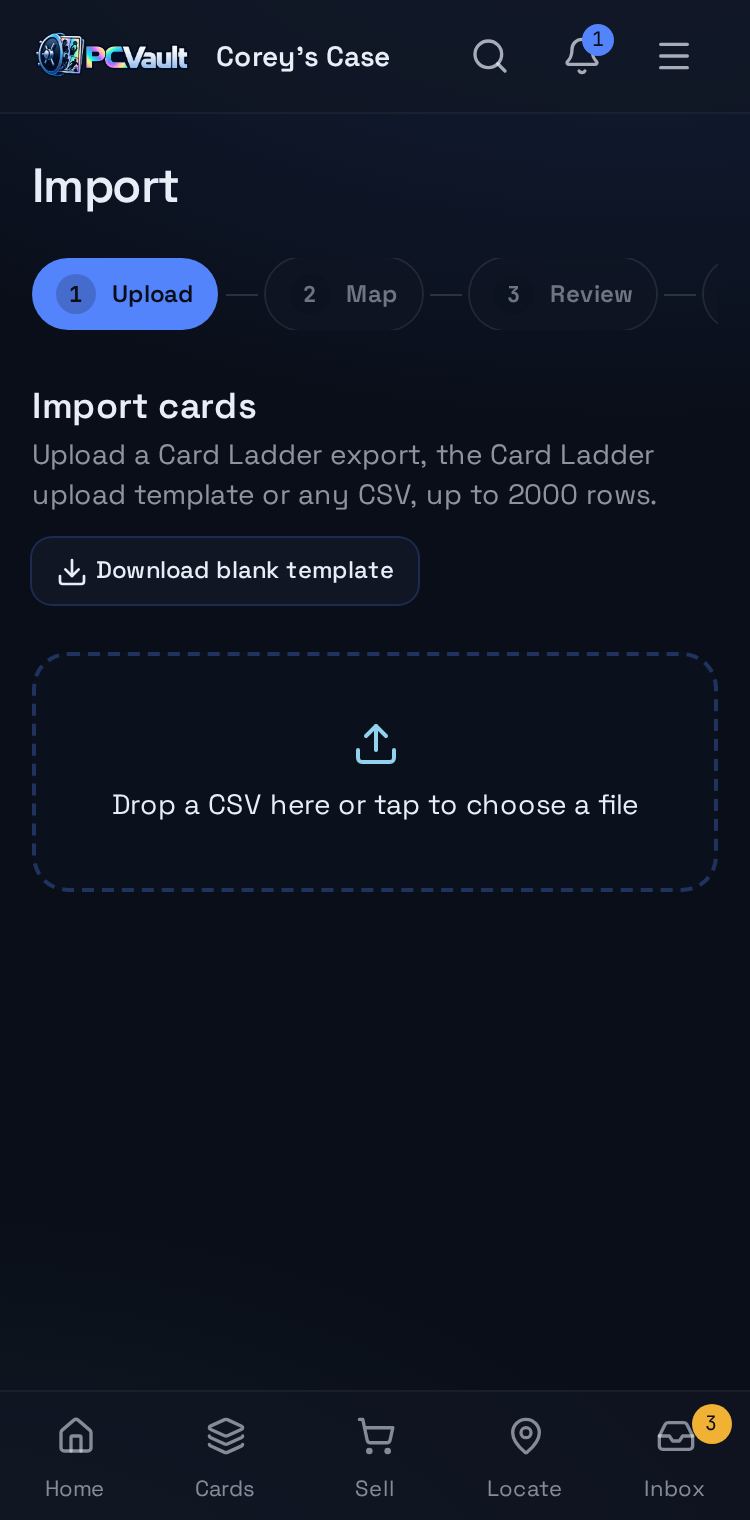
Upload and map
- Card Ladder export, its template or any CSV
- Up to 2,000 rows at a time
- Columns map automatically and you can adjust them

Review before you import
- Possible duplicates are flagged
- Rows with problems are called out
- Nothing is added until you confirm
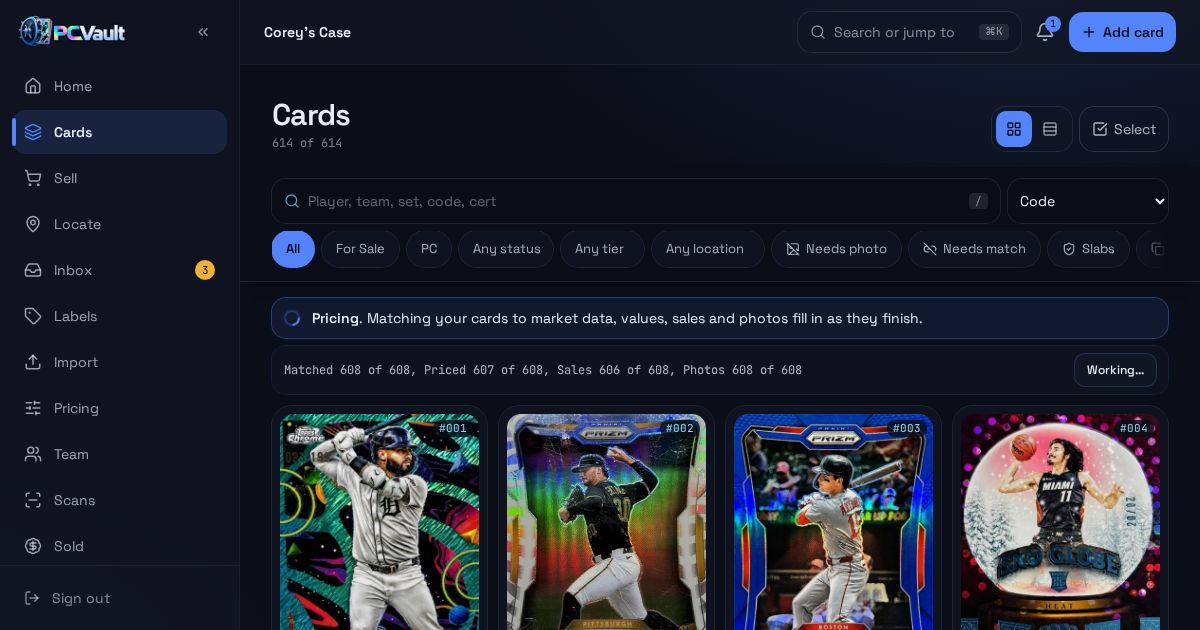
Watch it fill in
- Matching, Pricing, Sales, Photos and Scans
- Progress for each step
- A Details table shows what was found per card
What you get
Any CSV
Card Ladder export or your own spreadsheet.
Automatic matching
Each card is matched to the shared catalog.
Values and sales
Priced right after matching.
Photos
Stock images copied in when you have none.
Slab scans
Graded cards are checked against the cert.
Safe to rerun
Reimporting flags duplicates instead of adding them.
Live demo
Enrichment progress
What the last step of an import looks like. Sample counts shown.
Import
Before and after
Before
- Typing in every card
- Looking up each value
- Hunting for photos
With PCVault
- One upload
- Values and sales filled in
- Photos and scans added
Questions
Which file formats can I import?
PCVault reads the Card Ladder collection export, the Card Ladder upload template and any CSV. For a custom CSV you match your columns to PCVault fields once. A blank template is available to download from the Import screen if you are starting from scratch.
What gets filled in automatically?
After import, each card is matched to market data, priced with value, range and trends, given recent sales, photos from the best available source, and a grader slab scan with population when it has a cert number. The banner shows which step each card is on.
What if a card does not match?
Unmatched cards are listed with a Needs match filter. You can search and pick the right card yourself, or set your own value. Imported values from your file are kept and still count toward totals, so nothing is lost while a match is pending.
Will importing the same file twice create duplicates?
No. PCVault flags rows that look like cards you already have, and you choose whether to import them anyway. Running enrichment again does not add duplicate sales or duplicate gallery photos to cards that already have them.
Keep exploring
Start free with 15 active cards
Upgrade when you need more cards, selling tools or staff logins.
Create your account