
For card shops
One shared inventory your whole counter can work from.
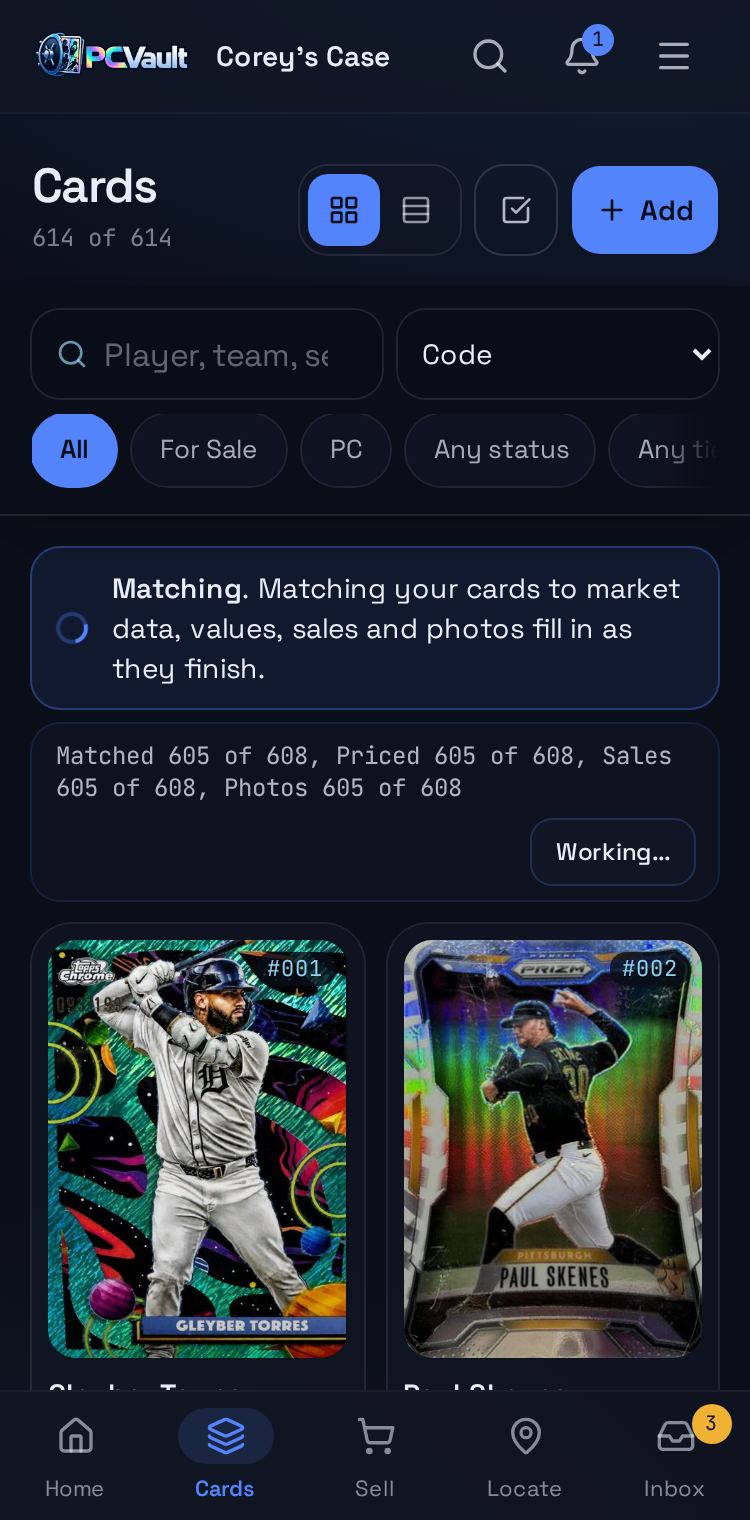
PCVault replaces the shop inventory spreadsheet with one list of every card, its value, location and status. Staff sign in with their own logins, new cards queue for labels automatically, and you can transfer cards to another PCVault seller.
How it works
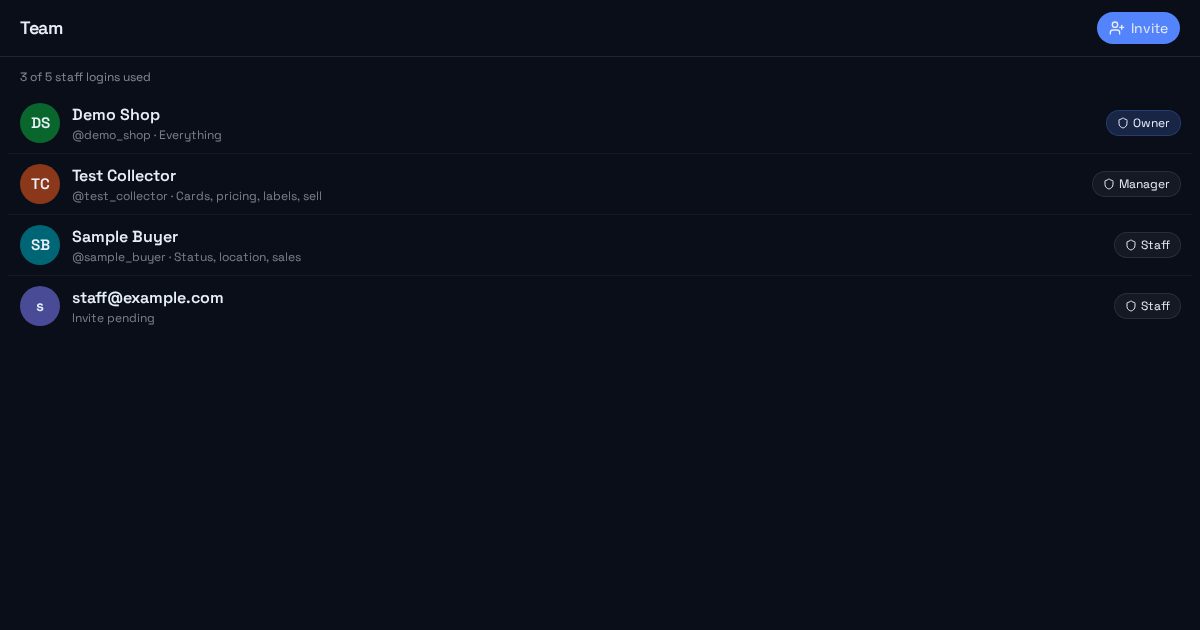
Give each staff member a login
- Shop includes 5 staff logins, Shop Pro 15
- Managers and staff see only what their role allows
- Invite by email and remove any time
Work one list together
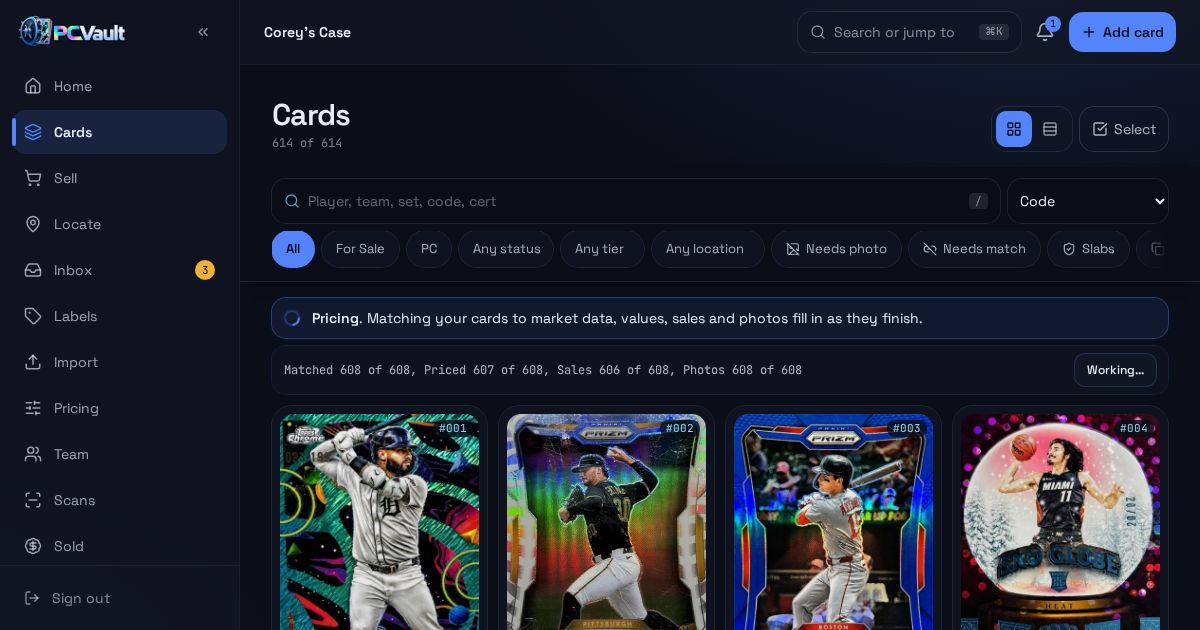
- Every card with value, location and status
- Filters for needs photo, needs match and slabs
- Bulk edit with a 10 second Undo
Move cards between sellers
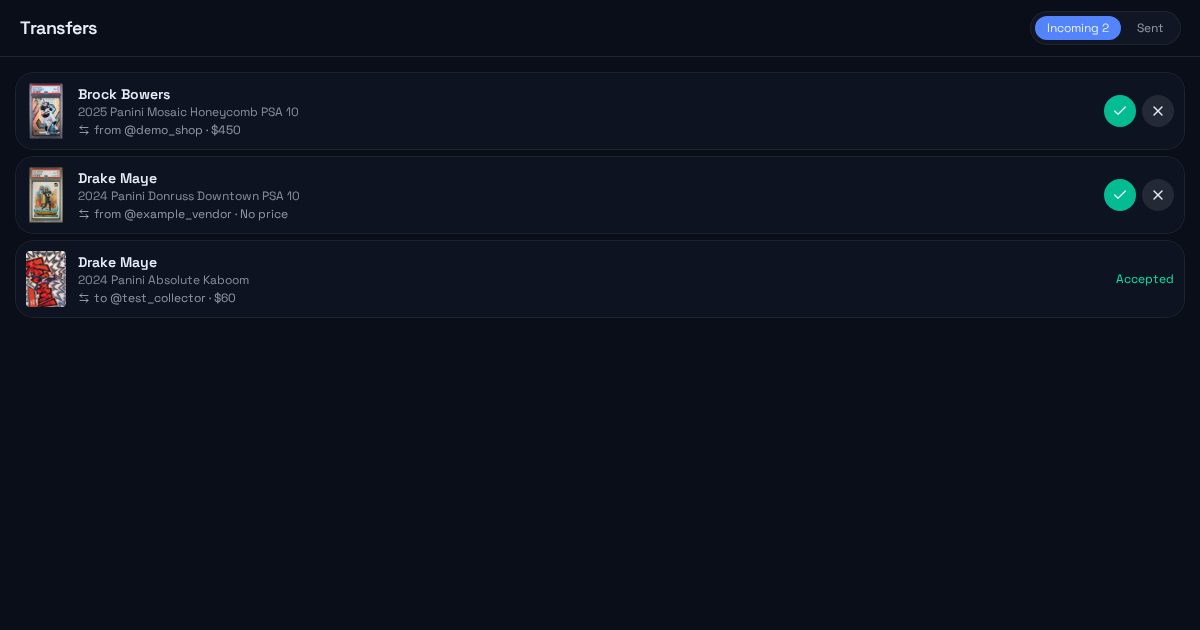
- Transfer cards to another @username
- They accept or decline in Transfers
- QR links keep working after the move
What you get
Staff logins
Each person signs in with their own account.
Role limits
Staff change status, location and sales only.
Shared counter inventory
One list for everyone working the counter.
Transfers
Send cards to another PCVault seller.
Label queue
New and moved cards wait to be printed.
Priority enrichment
Shop Pro imports run first in the queue.
Live demo
The Team screen
Owner, manager and staff roles with seat count. Sample people shown.
Team
- OwnerDemo Shop@demo_shop · Everything
- ManagerTest Collector@test_collector · Cards, pricing, labels, sell
- StaffSample Buyer@sample_buyer · Status, location, sales
- Staffstaff@example.comInvite pending
Before and after
Before
- One spreadsheet everyone edits
- No record of who changed what
- Reprinting every label after a move
With PCVault
- One list with roles
- Changed by on every card
- Only changed labels in the queue
Questions
What can staff do?
Staff can open Cards, Sell, Locate and Labels for the shop's collection. They cannot see purchase prices, billing, team settings or private fields. Owners and managers see everything else. The database enforces these rules, so they apply on every screen and device staff use.
Is there an onboarding fee?
Shop and Shop Pro have a one-time $299 onboarding fee on monthly billing. The fee is waived when you choose annual billing. Collector and Vendor plans have no onboarding fee, and the Free plan stays free for up to 15 active cards.
Can we move cards to another shop or vendor?
Yes. Select cards and transfer them to another seller's @username with an optional agreed price and note. The other seller accepts or declines. Accepted cards move into their collection and old QR links forward to the card's new home, so printed labels keep working.
How do we get our current inventory in?
Use the Import screen to upload a Card Ladder export or any CSV. You map your columns once, review possible duplicates, then import. PCVault fills in values, sales, photos and slab scans for each card, and the Details table shows the result for every row.
Keep exploring
Start free with 15 active cards
Upgrade when you need more cards, selling tools or staff logins.
Create your account