
Sell mode
Scan, price at a percent of comps and mark it all sold in one tap.
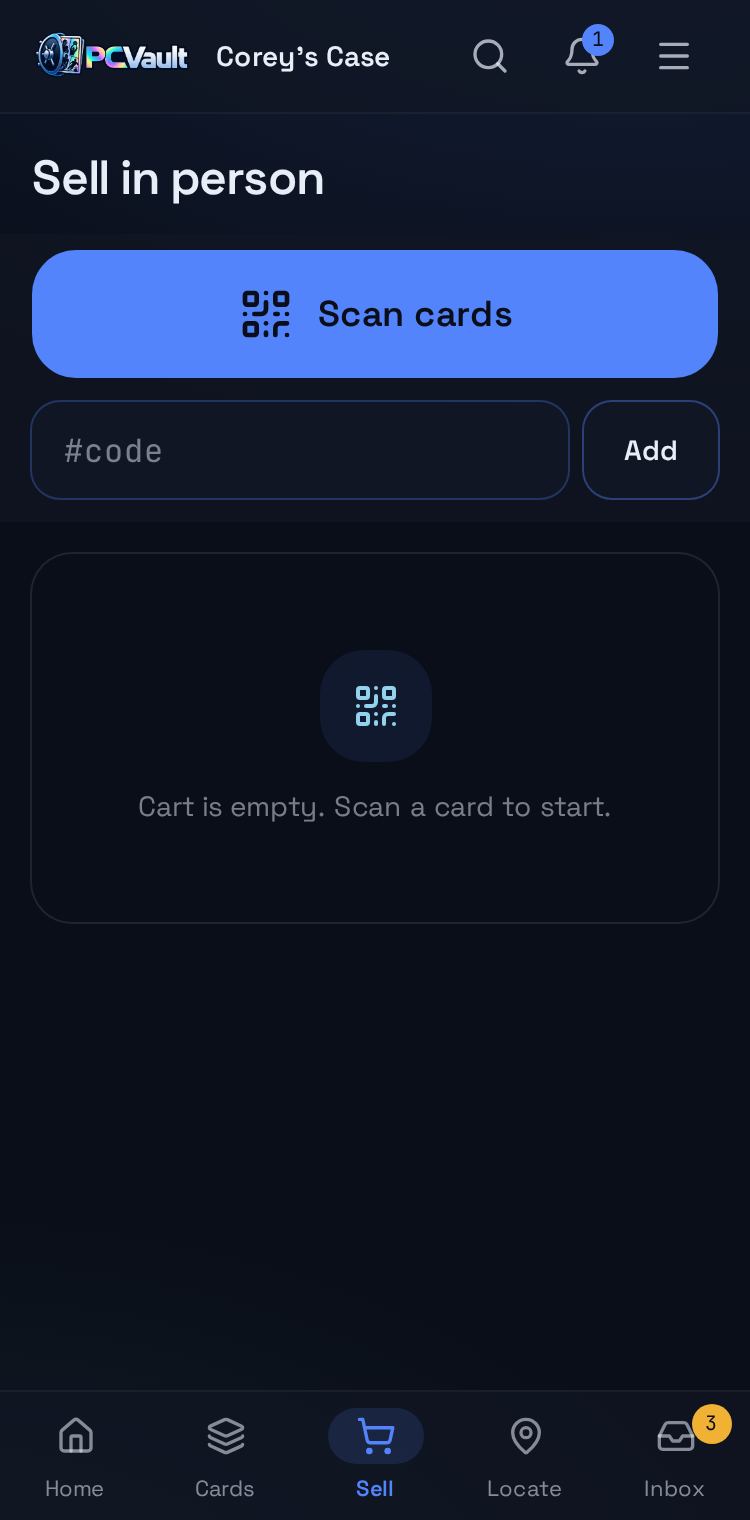
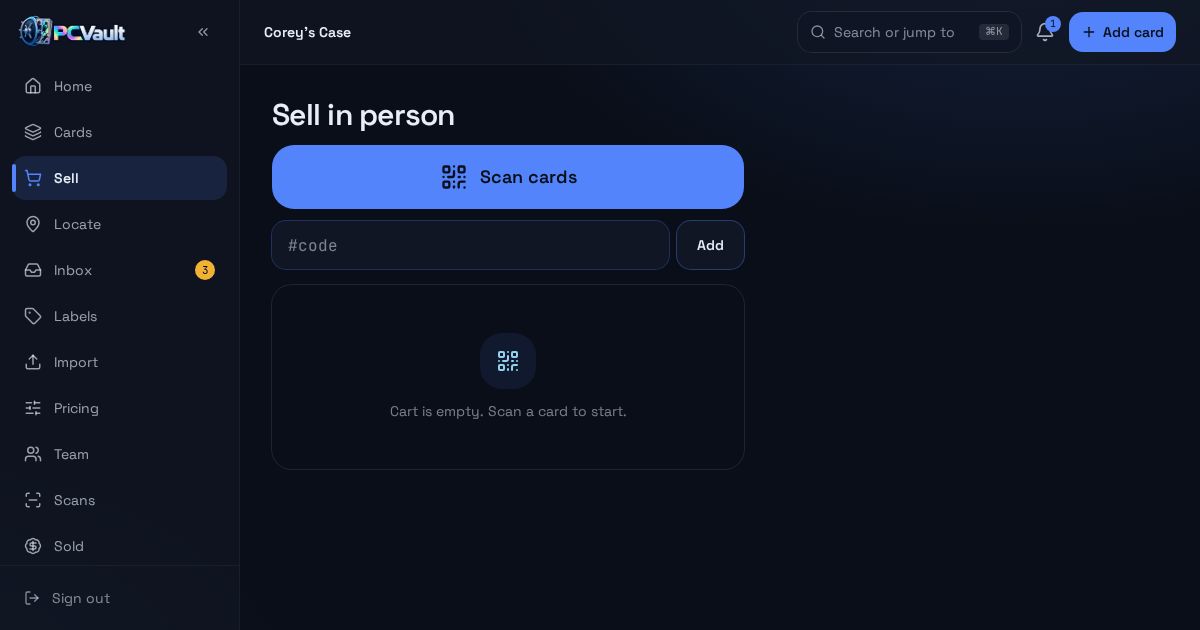
Sell mode turns your phone into a checkout for in-person card sales. Scan cards into a cart, set a percent of comps for the cart or each card, and mark everything sold in one tap once you agree on a price.
Last reviewed
How it works
Scan cards into the cart
- Scanner or code input pinned at the top
- Cart and total pinned at the bottom
- Works one handed on a phone
Price each card your way
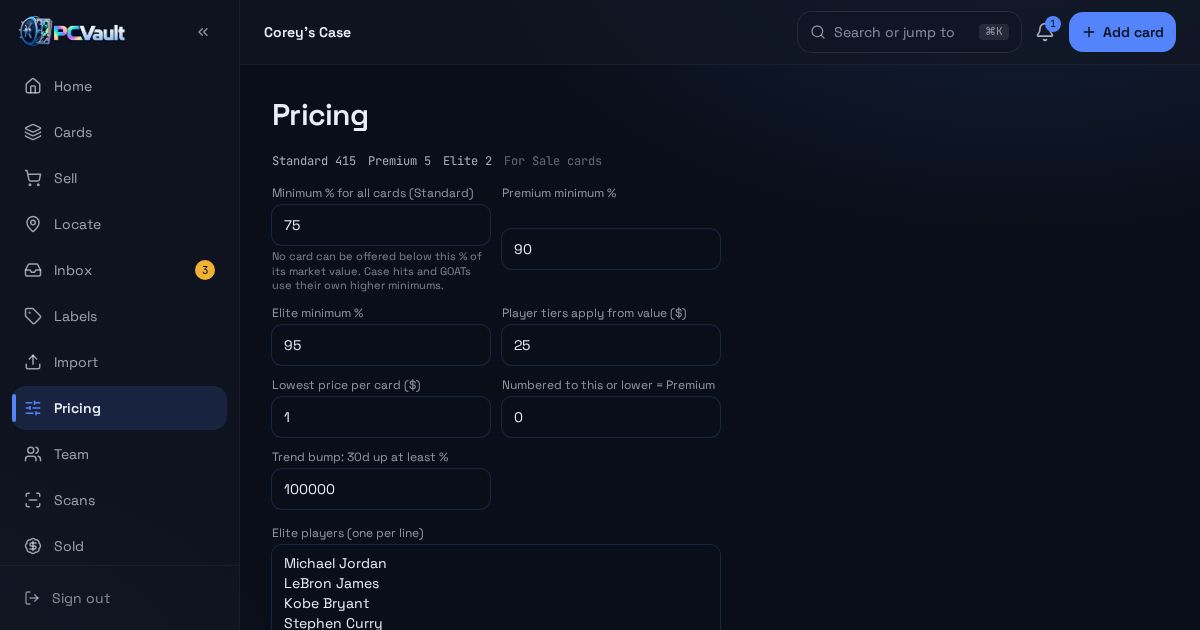
- Set a percent per card or for all
- Standard, Premium and Elite tiers
- A lock shows when you hit your minimum
Close the sale
- Mark all sold with one confirm
- The sale is saved as an accepted offer
- Cards move to Sold history
What you get
Cart with totals
Running total as you scan.
Percent of comps
Prices from each card's market value.
Minimum lock
The cart cannot go below your floor.
Price tiers
Different floors for Standard, Premium and Elite.
Location aware
Shows where each card goes back if it does not sell.
Sold history
Every sale lands in your Sold report.
Live demo
Try Sell mode
Type a code into the real Sell screen. Demo, nothing is saved.
The real admin screens with Corey's For Sale cards. Demo, nothing is saved.
Before and after
Before
- Comp math on a calculator
- Guessing your floor in the moment
- Writing sales down later
With PCVault
- Percent of comps in the cart
- Minimum lock on every card
- Sales saved when you tap
Questions
How is the suggested price calculated?
Each card starts from its market value. Sell mode applies the percent of comps you choose and raises any card that would fall under your tier minimum. The total shows the market value, the suggested price and the overall percent, and you can type a different final price.
What happens when I mark the cart sold?
Every card in the cart is marked sold with its share of the final price and moves to your Sold list. The sale is recorded as an accepted offer with the buyer name and note if you entered them. Sold cards drop off your For Sale page.
Can I put cards back if the buyer walks away?
Yes. Use Put all back to clear the cart. Each card shows its saved case and row so you know where it goes, and nothing is marked sold until you confirm. You can also remove single cards from the cart at any time.
Does sell mode work on a tablet or computer?
Yes. On phones it is a focused full-screen flow with the scanner on top and the cart total at the bottom. On larger screens the cart and pricing panel sit side by side. Typing a card code works anywhere a camera is not handy.
Keep exploring
Start free with 15 active cards
Upgrade when you need more cards, selling tools or staff logins.
Create your account