
Card Ladder sync
Sync your Card Ladder values into PCVault
Card Ladder sync runs in your own signed-in Card Ladder tab, on your phone or computer. It reads the collection rows you can already see and sends the values to PCVault, which matches them to your cards. Nothing is ever changed in Card Ladder. PCVault lists what to update there by hand.
Your Card Ladder values, read from your own tab.
Last reviewed
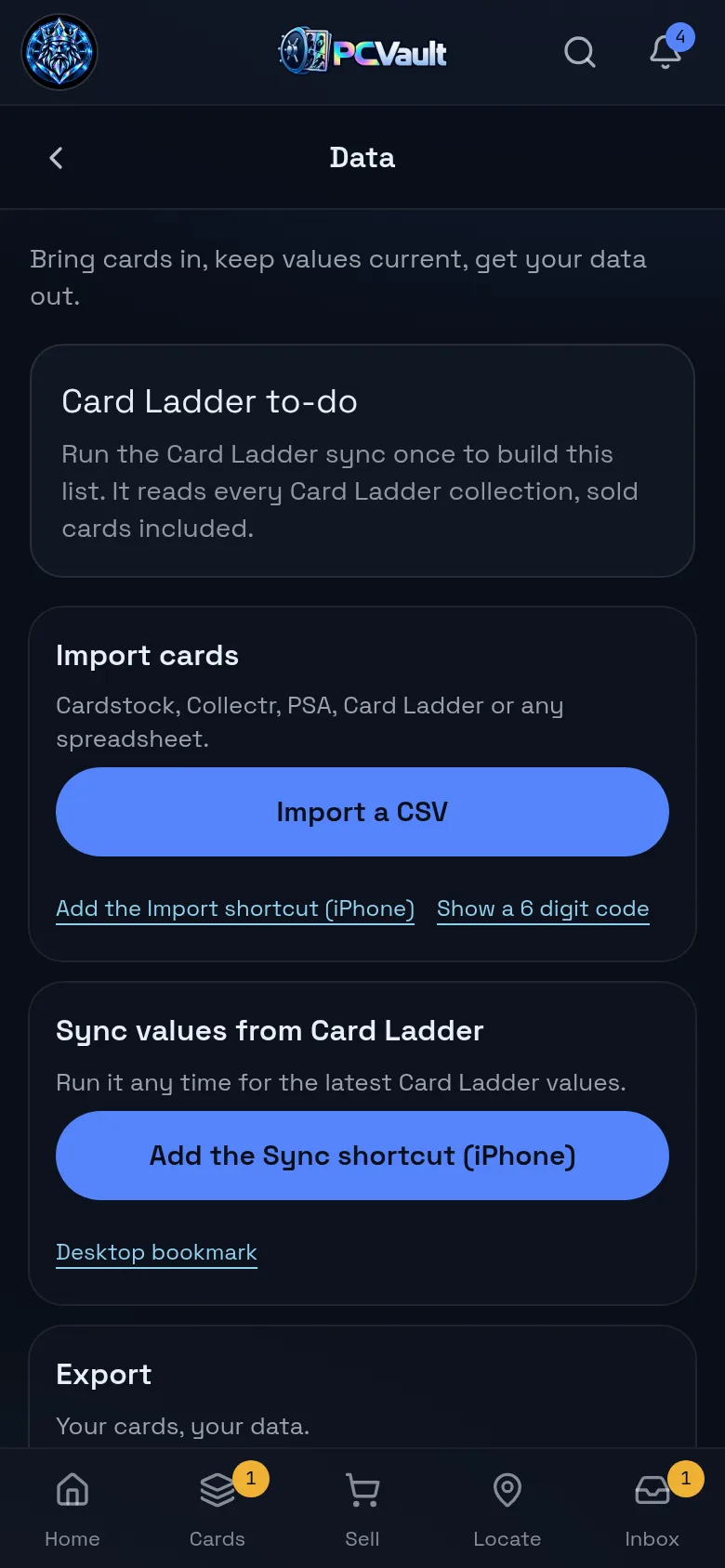
How it works
Connect once
- Bookmark on a computer, Shortcut on iPhone
- Sign in to PCVault or type a 6 digit code
- No Card Ladder password is ever asked for
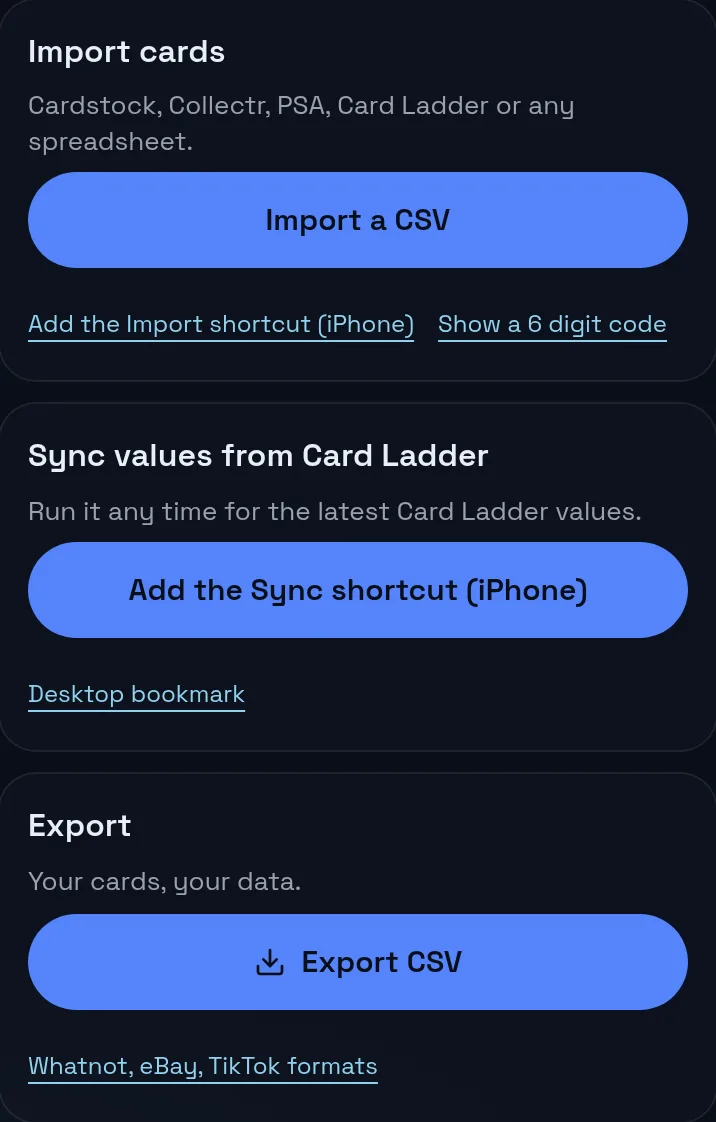
Run it in Card Ladder
- Open your Card Ladder collection
- Run the bookmark or Shortcut
- It reads the rows you can see and sends values
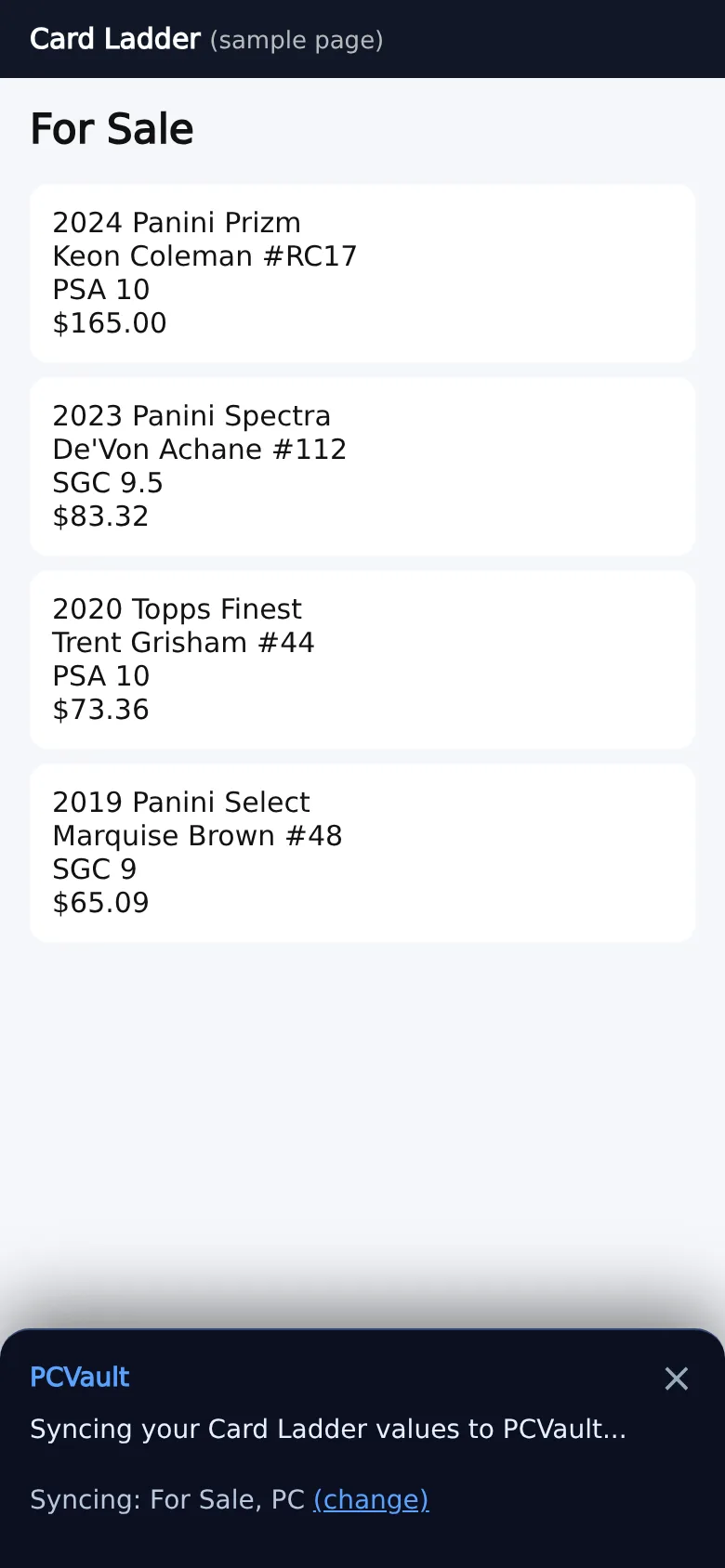
Keep both in step
- Comps for cards with no value
- A to-do list of cards to add or remove
- Values show on every card and total
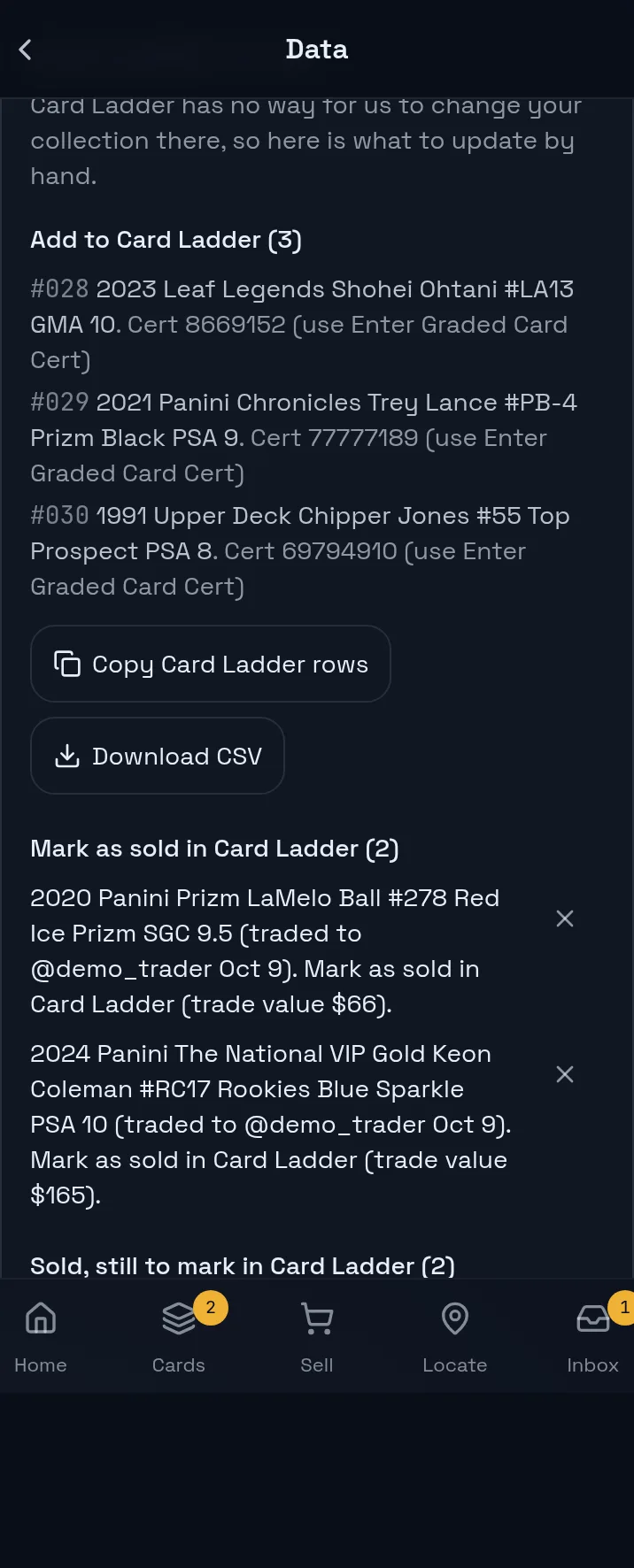
What you get
Runs on your device
The sync runs inside your own Card Ladder tab.
One direction
Card Ladder to PCVault only. Nothing changes in Card Ladder.
Exact matching
Year, set, player, number, parallel, grader and grade.
Comps
The middle of the latest sales for cards with no value.
Card Ladder to-do
What to add or remove after trades and deletions.
Link by hand
Pick the right Card Ladder row for any card.
Ways to connect
On a computer, drag the PCVault bookmark to your bookmarks bar, open your Card Ladder collection and click it. On iPhone, add the PCVault Shortcut, open Card Ladder in Safari and run it from the share sheet. The first time, a panel asks you to sign in to PCVault in a new tab, or to type a 6 digit code from PCVault Settings. The connection is then saved in that browser.
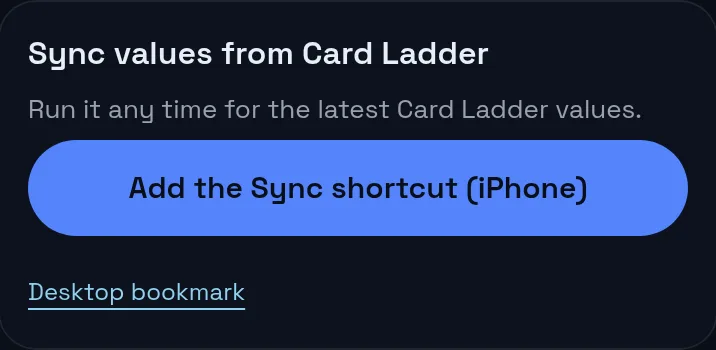
What syncs and in which direction
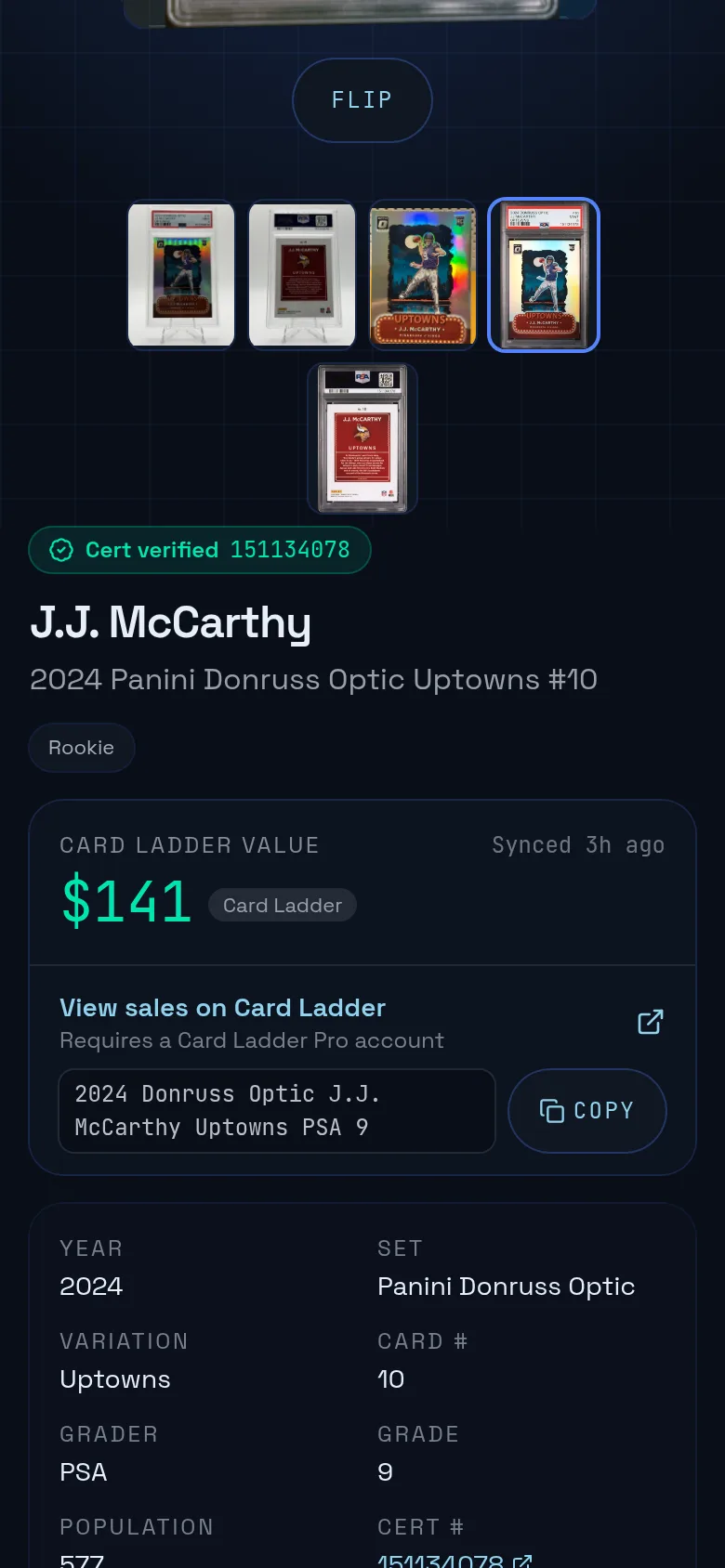
The sync reads the collection rows already on your screen: year, set, player, number, variation, condition and value. It sends them to PCVault, which matches each row to one of your cards and saves the Card Ladder value. It never writes to Card Ladder. You can switch between your Card Ladder collections inside the panel.
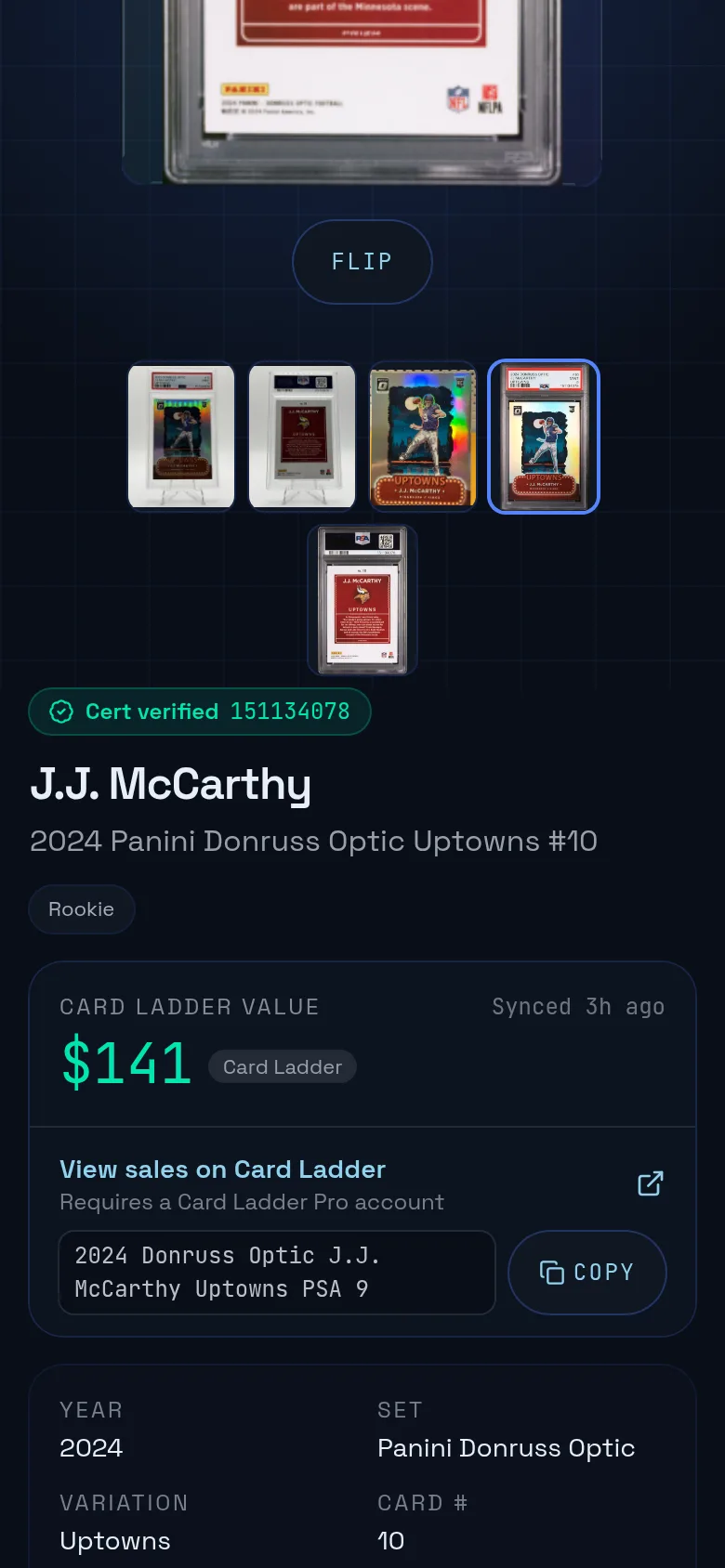
Comps refresh
After the values, the sync looks at cards that still have no value. For each one it searches Card Ladder sales history with the card's saved search, reads the first 8 sales, drops any older than 120 days and uses the middle price. Best Offer sales are skipped when at least 3 other sales remain. It waits between searches, handles up to 40 cards per run and stops if Card Ladder stops responding.
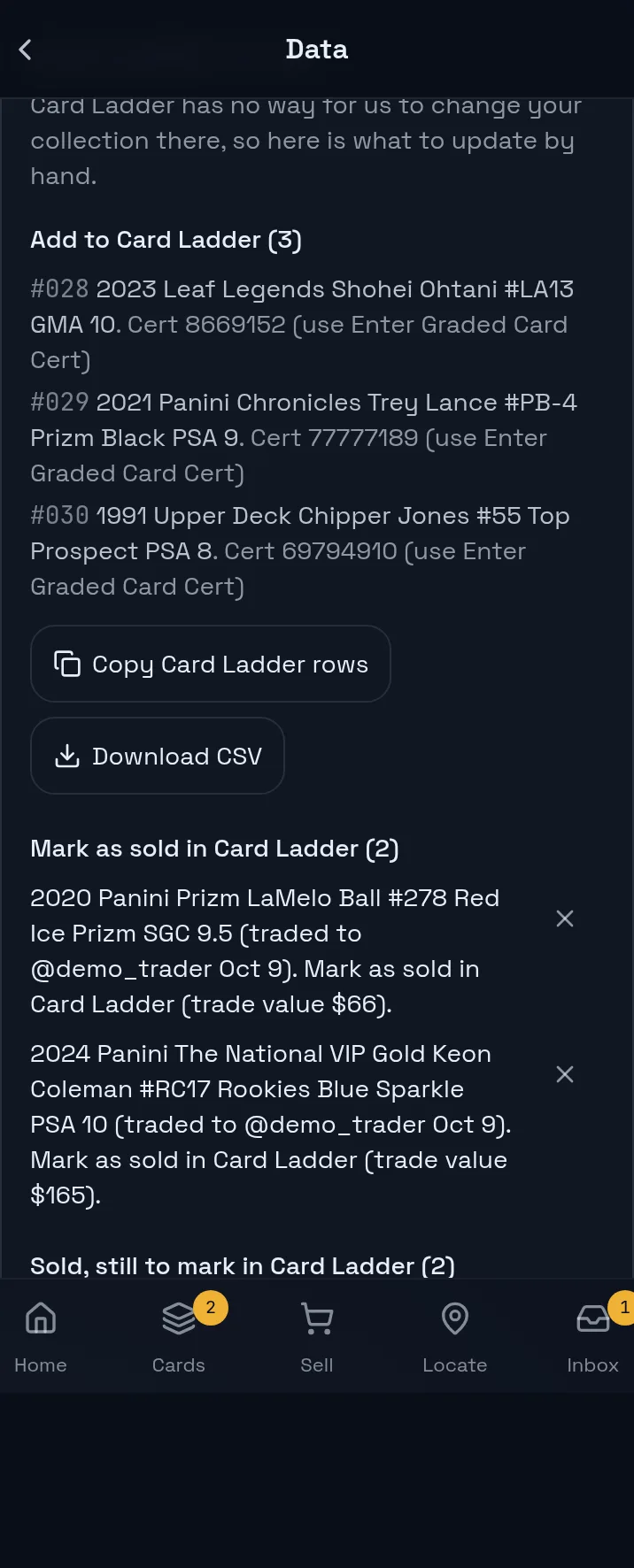
Sold cards and trades on the next sync
PCVault never marks a card sold for you. When a card left your vault by trade or deletion in the last 180 days and still shows in Card Ladder, the next sync files it under cards to remove, with the reason. Cards that arrived by trade and have no Card Ladder value are listed to add, with a CSV you can copy or download. You can dismiss any item.
Card Ladder values or market values
In Settings you choose which value PCVault uses. Card Ladder mode uses your synced values and hides market sales and refresh tools. Market mode uses recent sales data. Either way, a value you set on a card wins, and cards without a value fall back to the next source so nothing shows blank.

Live demo
Synced values on your cards
The real Cards screen with @founder's cards and their Card Ladder values. Demo, nothing is saved.
The real admin screens with @founder's For Sale cards. Demo, nothing is saved.
Before and after
Before
- Copying values from Card Ladder by hand
- Cards with no value at all
- Forgetting what changed after a trade
With PCVault
- One tap sync from your own tab
- Comps fill the gaps
- A to-do list for Card Ladder
Questions
How do I connect Card Ladder to PCVault?
Add the PCVault bookmark on a computer, or the iPhone Shortcut on a phone, then open your Card Ladder collection and run it. The panel asks you to sign in to PCVault in a new tab, or to type a 6 digit code from PCVault Settings. After that it remembers your PCVault connection.
Does PCVault get my Card Ladder password?
No. The sync never asks for your Card Ladder login and never reads your cookies. It runs inside the Card Ladder tab you are already signed in to, reads what is on screen and only stores its own PCVault connection in that browser.
Can PCVault change my Card Ladder collection?
No. Values only flow from Card Ladder into PCVault. When cards leave your vault by trade or deletion, or arrive from a trade, PCVault shows a Card Ladder to-do list so you can add or remove them in Card Ladder yourself.
What are Card Ladder comps?
For cards with no value after the sync, the bookmark searches Card Ladder sales history with the card's saved search. It takes the first 8 sales, drops any older than 120 days, and saves the middle price as the card's value with a Card Ladder comps label. Up to 40 cards per run.
How are cards matched?
A #code in the Card Ladder notes wins first, then cards you linked by hand, then exact details: year, set, player, number and parallel with the same grader and grade. Raw cards never match graded copies, and a PSA 9 never takes a PSA 10's value.
Keep exploring
Start free with 15 active cards
Upgrade when you need more cards, selling tools or staff logins.
Create your account