
Offers
Take offers on single cards and bundles
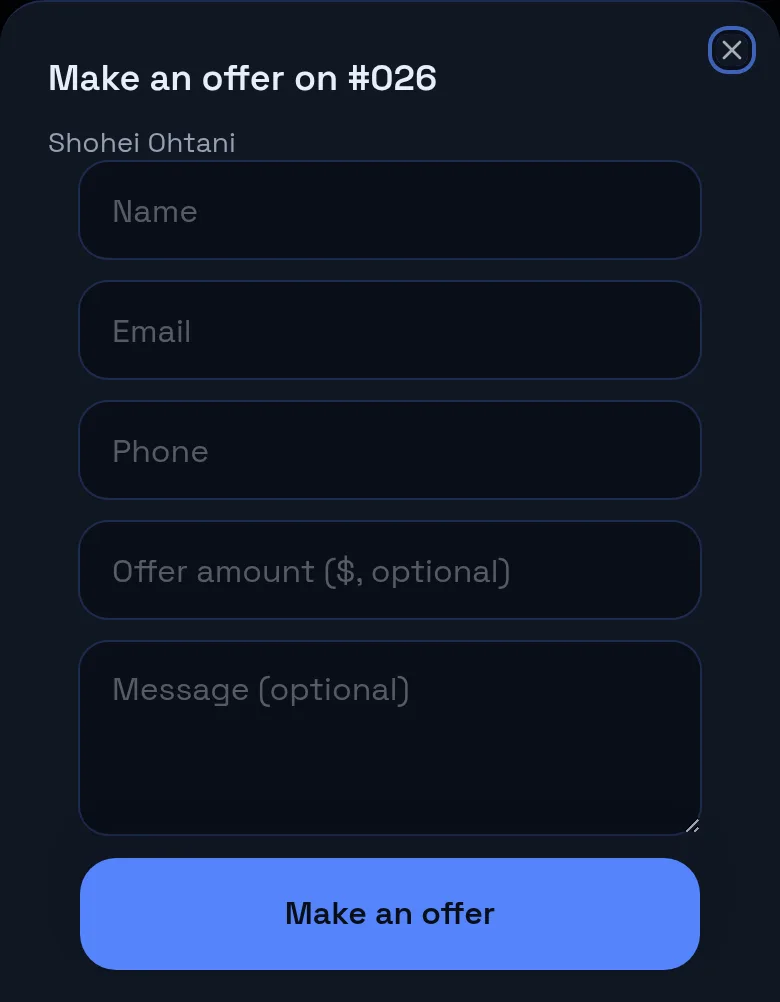
Visitors to your public page can send an offer on any For Sale card, or build a bundle of several cards and send one offer. They do not need an account. Offers arrive in your Inbox and by email, where you mark them replied, accepted, declined or closed and record the sale.
Offers on one card or a bundle, straight from your page.
Last reviewed
How it works
You review them
- Offers in your Inbox
- An email for every new offer
- Set replied, accepted, declined or closed
Record the sale
- Enter a final price for a bundle
- Mark all sold in one tap
- Cards move to Sold history
What you get
Single card offers
Name, email or phone, amount and a message.
Bundle offers
A percent of comps across several cards.
Server priced
Bundle prices are worked out on the server, not by the buyer.
Minimums respected
Offers under your cost floor are turned back.
Email alerts
Each offer is emailed to you with a link to your Inbox.
Sold history
Bundles marked sold land in Sold with each card's share.
Before and after
Before
- Offers scattered across DMs
- Working out a bundle price by hand
- Writing sales down later
With PCVault
- Every offer in one Inbox
- Bundle prices worked out for you
- Sales recorded when you tap
Questions
Does a buyer need an account to make an offer?
No. On a card page the buyer enters a name, an email or phone number, an optional amount and a message. Offers are limited per visitor to keep spam down, and you get an email for each one.
What is a bundle offer?
Buyers add 2 or more cards to a bundle, then set a percent of comps for all of them or each card and send one offer. PCVault prices the bundle on the server from each card's value, so the buyer cannot change your numbers. Bundle offers are on the Vendor plan and up.
Can an offer go below my minimum?
No. If you use a cost floor, an offer under the minimum for that card or bundle is turned back to the buyer with the amount they need to reach. Your cost is never shown.
Can I counter an offer?
Not inside PCVault yet. Reply to the buyer by email or phone, then set the offer's status. For bundles you can enter the agreed final price before marking it sold.
How does an accepted bundle land in Sold?
Tap Mark all sold on the bundle offer. Each card is marked sold with its share of the final price and a note naming the buyer, and the offer is closed. Single card sales are recorded from the card or from Sell mode.
Keep exploring
Start free with 15 active cards
Upgrade when you need more cards, selling tools or staff logins.
Create your account